www.crystalgraphics.com CrystalGraphics
  • Ultimate Combo
  • Templates
  • Diagrams
  • Characters
  • Quizzes
  • shopping cart
  • Sign Out Sign Out Sign In
Home > Templates > Bank Category
search icon
advanced icon

299 Best Bank-Themed Templates for PowerPoint and Google Slides

CrystalGraphics extensive collection of 6.7 million PowerPoint templates brings together a vast array of innovative designs to elevate your presentation game. Within this treasure trove, you'll find the perfect template for your needs - and that's where the magic begins. With the 3D Golden Key Chain with Two Keys, House, Car and Piggy Bank template as an example, you're introduced to a world of possibilities.

This stunning design is just one of many treasures waiting to be discovered in CrystalGraphics Bank category. Other examples include:

The 3D cubes form investment and savings crossword with piggy bank on grass,
A colorful slide deck enhanced with hacker stealing dollars from bank backdrop and an ocean colored foreground,
And the timeless allure of a house, car, and piggy bank iconography.

Each template is carefully crafted to meet your unique needs, offering flexibility and customization options to ensure your presentation truly reflects you. From compatibility with Google Slides to availability in both widescreen and standard formats, every detail has been considered to make it easy for you to create a memorable experience.

Take the first step towards elevating your presentation game with CrystalGraphics unparalleled collection of templates. Explore our vast library, browse through other categories, or discover what makes us stand out from the rest. With instant 24/7 download access, the possibilities are endless.

Features & Pricing

Widescreen (16:9) Presentation Templates. Change size...
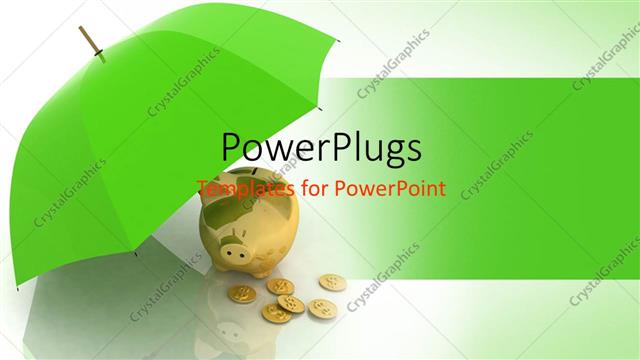
 Presentation with bank - Gold piggy bank and coins under green umbrella

Money Bank

Gold piggy bank and coins under green umbrella

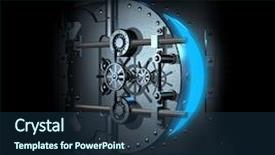
 Presentation with bank - Colorful presentation enhanced with three dimensional - open bank vault blue shining backdrop and a ocean colored foreground

Open Bank Vault Blue Shining

The Sidebar Title is a sleek and sophisticated design that perfectly captures the essence of a high stakes heist, with its focus on strength, steel, and the cold, calculated precision required to pull off such a daring operation. This template features a deep sky blue color palette, evoking feelings of serenity and trustworthiness perfect for showcasing your most complex plans. The Sidebar Title is optimized for widescreen presentation, making it ideal for displaying 4K high resolution images as the background, or for incorporating them seamlessly into the design. The seamless integration with Googel Slides ensures compatibility, allowing you to create stunning presentations that pack a punch. As you begin your slideshow, four valuable slides will provide a solid foundation for success. Starting with "Getting Started" can help break down complex plans into manageable chunks and establish a clear direction. This slide could feature an example of a detailed blueprint, showcasing each step in the heist process from securing the location to cracking the safe. The next three slides would build upon this foundation, providing valuable insights and analysis to inform decision making. For instance, "Research and Planning" could delve into key statistics and research supporting your proposed plan, highlighting the strength of your approach. As you continue down the road, having a Theme of 'Action' can help drive momentum forward, while "Execution" could focus on showcasing tangible results and outcomes making it clear what's at stake. This template is not just about visuals; it's also an Enhanced With presentation that allows for customization to fit your unique needs. The Sidebar Title boasts a rich, layered design, with subtle nods to the dark, high stakes world of heists. To incorporate this theme effectively, you could include a Background With image perhaps a sweeping view of an abandoned warehouse or a dimly lit alleyway featuring intricate details that add depth and texture. Having a Theme of 'Heist' also allows for seamless integration with other slides, making it easy to create cohesive presentations that pack a punch. The template's Growth Layout features a dynamic, cinematic feel, perfect for showcasing your most compelling ideas or proposals. This is the sort of setting where you'd want to Feature high energy visuals, including 3D renderings and dramatic

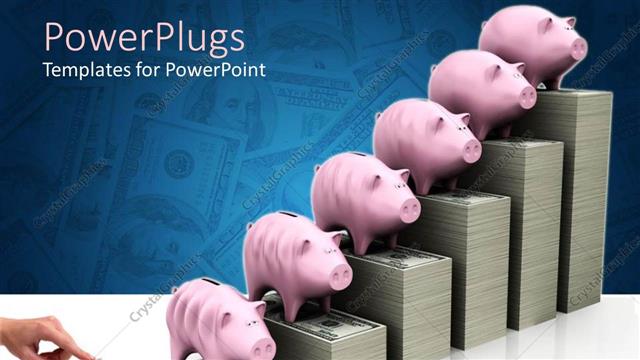
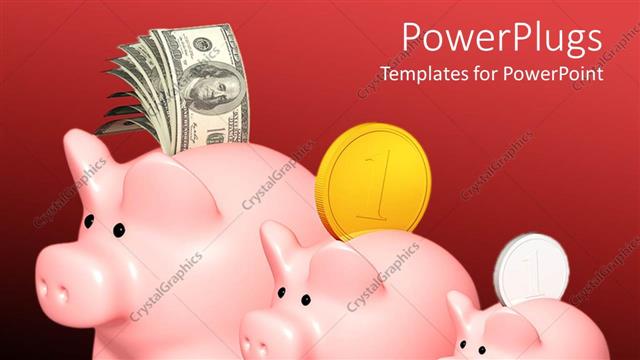
 Presentation with bank - Hand inserting money bill in small grey piggy bank and increasing money bill stacks with pink piggy banks on each stack of money

Business Grows Up

Hand inserting money bill in small grey piggy bank and increasing money bill stacks with pink piggy banks on each stack of money

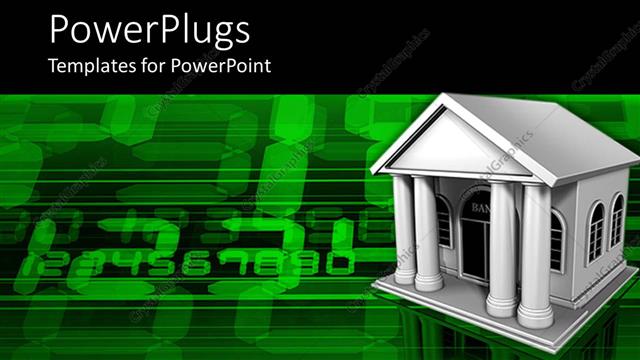
 Presentation with bank - White bank building on green computer screen

Electronic Bank

White bank building on green computer screen

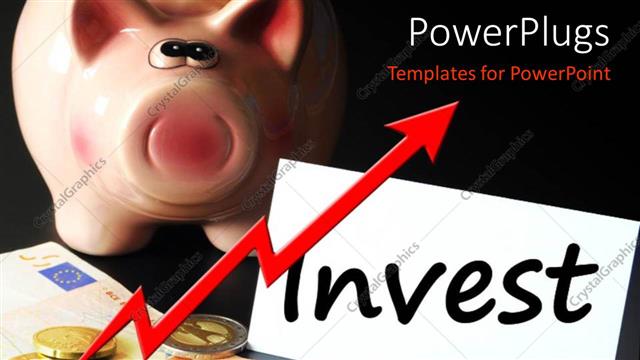
 Presentation with bank - Gold coins on currency notes with piggy bank and text INVEST

Investment Concept

Gold coins on currency notes with piggy bank and text INVEST

 Presentation with bank - The growth of capital with the help animal growth

Piggy Bank

The growth of capital with the help animal growth

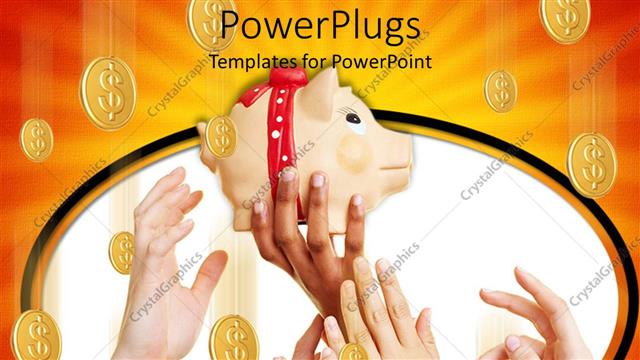
 Presentation with bank - Savings metaphor with hands reaching for piggy bank coins falling from overhead

Piggy Bank

Savings metaphor with hands reaching for piggy bank coins falling from overhead

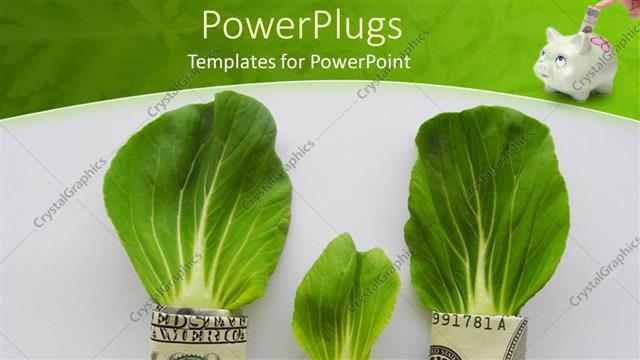
 Presentation with bank - Dollar bills with cabbage leafs and a piggy bank

Budget Family

Dollar bills with cabbage leafs and a piggy bank

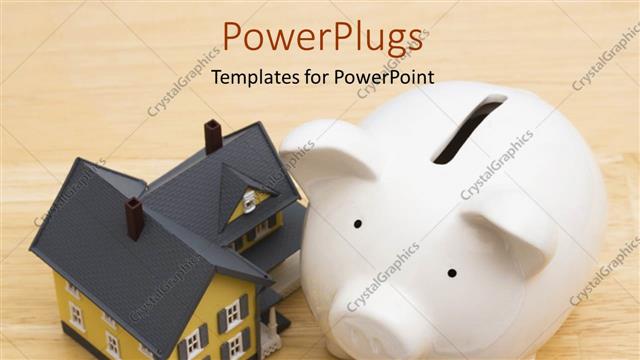
 Presentation with bank - A small house with a whit colored piggy bank

Investment

A small house with a whit colored piggy bank

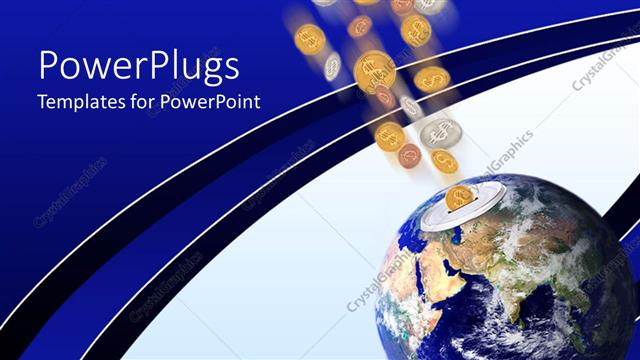
 Presentation with bank - Global economy metaphor with coins falling into world Earth globe piggy bank

Earth And Money

Global economy metaphor with coins falling into world Earth globe piggy bank

 Presentation with bank - Green piggy bank with money sticking out of it and coins beside it

Save Money

Green piggy bank with money sticking out of it and coins beside it

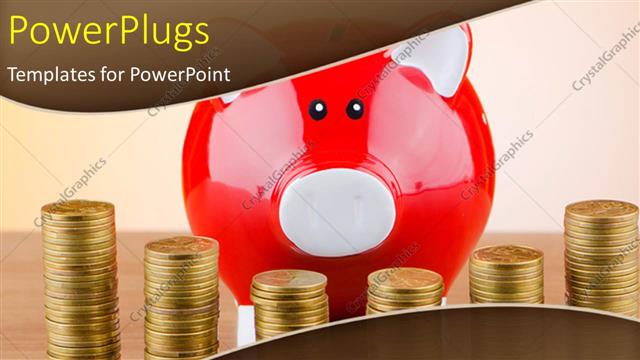
 Presentation with bank - Red piggy bank with stacks of gold coin on desk

Business Piggy

Red piggy bank with stacks of gold coin on desk

 Presentation with bank - Colorful slides enhanced with luxor-temple-in-luxor-ancient backdrop and a coral colored foreground

Luxor Temple Luxor Ancient Thebes,

The temples of ancient Egypt stand as testaments to human ingenuity and creativity, their grandeur and mystique still captivating the imagination of people around the world Luxor Temple in Luxor, ancient Thebes, Egypt is a large Ancient Egyptian temple complex located on the east bank of the Nile River, its intricate hieroglyphics and imposing stone structures evoke a sense of awe and wonder The Wide Title template features a stylized image of the Luxor Temple's central pillars, set against a backdrop of high resolution images in a steel blue color palette that evokes the timeless elegance of ancient Egypt This theme is perfect for anyone who wants to feature a majestic temple in their presentation or include a background with hieroglyphics and intricate designs The template itself is a downloadable resource that is compatible with Google Slides, allowing you to enhance your presentation with even more visual elements The Quotation Layout slide could be used to highlight the significance of ancient Egyptian architecture or to showcase high resolution images of the temple's exterior walls In terms of design, this template features a clean and simple layout with plenty of negative space to allow the eye to rest on the stunning images of the Luxor Temple This style is perfect for creating a sense of calm and serenity in your presentation, making it ideal for inspirational or motivational speeches Featuring high resolution images of ancient Egyptian symbols such as pyramids or sphinxes could be included on this template to enhance its theme

 Presentation with bank - Slide set consisting of cannabis - hemp retting on rhine bank background and a light gray colored foreground

Hemp Retting Rhine Bank Created

The moment you open the Wide Title PowerPoint template from CrystalGraphics, your eyes are immediately drawn to the warm and inviting wheat color palette that sets the tone for this historical engraving inspired design. The gentle tones evoke the rolling hills and lush vegetation of a bygone era, transporting you to an antique era where traditional craftsmanship was revered. This template features a high resolution image of hemp retting on Rhine bank, taken from the 1860 edition of L'Illustration, Journal Universel, Paris. The intricate details and textures are rendered in exquisite detail, creating a sense of authenticity that will transport your audience to another time and place. As you delve deeper into this template, you'll discover four How To slides that provide guidance on getting started with the design, from setting up the layout to customizing the graphics and adding images. The Section Header Layout slide is particularly noteworthy, as it presents a clean and elegant design that incorporates a background image of a traditional engraving technique. The text is presented in a clear and readable font, making it easy to navigate through the template's features and settings. Having a theme of showcasing high quality historical prints and artworks is an essential part of this design. The enhanced images throughout the template provide ample opportunities for creativity and experimentation, allowing you to bring your own unique interpretation to the project. Featuring beautiful illustrations and vintage photographs, the Wide Title template is an ideal choice for anyone looking to create stunning presentations that evoke a sense of nostalgia and timeless elegance.

 Presentation with bank - Beautiful presentation design featuring archaeology - qumran caves at the archaeological backdrop and a tawny brown colored foreground

Qumran Caves Archaeological Site Judean

In the heart of the Judean desert, a mysterious and ancient site stands hidden from the world, its secrets waiting to be uncovered by intrepid explorers. Qumran caves, once home to the legendary Dead Sea Scrolls, now lie in ruins, but their story continues to captivate the imagination of archaeologists and travelers alike. The Wide Title template is designed to evoke this sense of adventure, with a sweeping design that transports you to the arid landscapes of the desert. The Widescreen format ensures that every aspect of your presentation is filled with vivid images, including high resolution backgrounds that will leave your audience in awe. The Peru color palette brings warmth and vibrancy to the template, evoking the colors of the ancient stones that have been weathered over millennia. This template is not just a showcase for stunning visuals; it's also designed to tell a compelling story. Featuring intricate illustrations of Qumran's ruins, you can include a Background With dramatic lighting effects, creating an immersive experience for your audience. Having a Theme of showcasing the history and culture of this fascinating site, Enhanced With 4 How To slides that help you get up and running quickly, you can take your presentation to the next level. This template is available for download on Google Slides, so you can create your own presentations in minutes rather than hours. Whether you're planning a conference, an event, or simply want to share your passion with others, this Wide Title template will inspire and engage your audience, making your message stand out from the crowd.

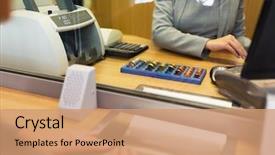
 Presentation with bank - Audience pleasing PPT theme consisting of people money saving and finance backdrop and a coral colored foreground

People Money Saving Finance Concept

The world of finance is a complex and fascinating realm where numbers speak louder than words. At the heart of it all lies the concept of calculation and financial management, where every action, no matter how small, has a ripple effect on one's future. This template, dubbed Wide Title, is designed to transport you into the fast paced world of money and finance. Widescreen format provides an immersive experience, making you feel like you're in the midst of a high stakes transaction. The Dark Goldenrod color palette adds a touch of sophistication and elegance, while the accompanying keywords calculation, loan, woman, young, financial set the tone for an engaging presentation. The template's 1 Picture on Right With Caption Layout slide is a stunning visual representation of the financial world. Featuring a beautiful high resolution image of a young woman counting coins or handling currency at a bank office, this slide sets the theme of the template and provides a great starting point for your content. This template is more than just a set of slides it's an enhanced viewing experience that incorporates a Background With a sleek and modern design. Having a Theme of financial literacy, it will help you convey complex ideas in a clear and concise manner.

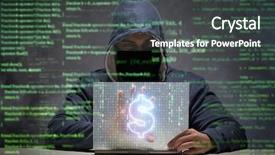
 Presentation with bank - Slide set enhanced with credit card fraud - hacker stealing dollars from bank background and a dark gray colored foreground

Hacker Stealing Dollars Bank

Imagine you're on a mission to crack the code of bank security, and your main tool is a hacking technique that involves stealing millions from unsuspecting customers. To get started, you'll need a powerful framework that can keep up with your high stakes objectives. Wide Title: Hacker's Den A Secure World, Where Coding Meets Data The design name for this template is Wide Title, and it's specifically tailored to fit the Widescreen format. The Cornflower Blue color palette provides a sophisticated backdrop for the template's unique keywords, such as coder, data, secure, hack, and bank. Featuring a prominent image of a high resolution background, including a subtle illustration of circuit boards, this template is designed to enhance your presentation with an added layer of realism. The theme of Wide Title revolves around showcasing the intersection of technology and security, making it an ideal choice for any banker or coding professional looking to elevate their presentation. To get started, you can include a Background With Cornflower Blue image, accompanied by subtle shadows and highlights that add depth to your slide. As you progress through the deck, Venn Diagram Layout could be used to visualize the relationships between these keywords and showcase how they intersect in real world scenarios, such as "How Hackers Steal Dollars from Banks." This feature can also be Enhanced With a simple yet effective infograph style illustration that illustrates key points.

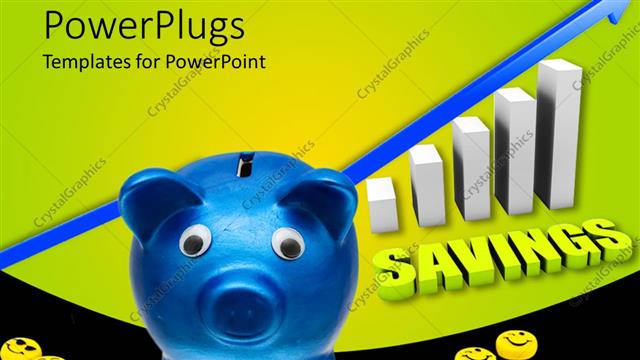
 Presentation with bank - Blue Colored piggy bank with Smilies?and a text which spells

Saving Graph

Blue Colored piggy bank with Smilies?and a text which spells"savings"

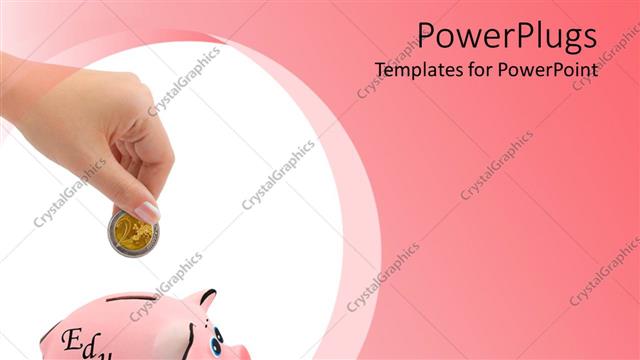
 Presentation with bank - Small pink piggy bank with a hand dropping a coin

Education Savings

Small pink piggy bank with a hand dropping a coin

 Presentation with bank - A lot of coins with a bag and a piggy bank

Money

A lot of coins with a bag and a piggy bank

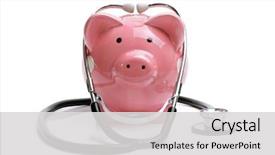
 Presentation with bank - Presentation consisting of saving for medical insurance background and a light gray colored foreground

Piggy Bank Stethoscope Isolated White

The world of finance is a complex and fascinating field that can be easily visualized through powerful graphics and templates. Imagine walking into a sleek and modern office building with a professional piggy bank standing out against a stethoscope wearing financial analyst taking notes in the corner office. Our Corner Title template features a stylish design with a mix of geometric shapes, bold lines, and subtle textures that evoke a sense of high end sophistication. The background is set with 4 high resolution images of financial institutions, insurance companies, medical facilities, or even a piggy bank and stethoscope setup for a unique concept. The Corner Title template includes a wide screen format perfect for presentations, reports, or any slide show where you need to convey complex financial information in an engaging way. It's also downloadable on Google Slides, so you can easily share it with others or use it as is. For those getting started quickly, our templates include four useful slides that'll help you launch your presentation fast. But what makes the Corner Title template truly special is its enhanced theme of "Financial Analysis" and "Insurance", giving you a clear idea of the types of topics to expect. This premium feature includes a background with a subtle financial graph design, making it perfect for presentations or reports featuring financial data. Imagine using this template in an interactive way, featuring images that pop on screen and enhancing your message with animated effects. You can have a theme of "Medical" and include 4 different sets of high resolution medical images to illustrate key points about health insurance costs. Or perhaps you want to highlight the benefits of investing in a piggy bank for financial growth? Having this template is just the beginning, as it's also compatible with Google Slides and offers seamless integration. In summary, our Corner Title template provides a comprehensive foundation for any presentation or report where finance and money are on the agenda. It's designed to be visually appealing, easy to use, and compatible with all major presentation software, making it an ideal choice for professionals in insurance, financial analysis, medical fields, and beyond.

▼Key features of this template

  • They are compatible with both PowerPoint and Google Slides running on either Windows PCs or Macs.

  • They are available in both standard and widescreen slide formats. You can choose your preferred format by clicking on the "Widescreen" check box or icon.

  • Each template includes a beautiful high-resolution background image or video to visually reinforce the theme of your presentation.

  • In addition, each template includes designer-created graphics and modern fonts to give your presentations an up-to-date, professional look.

  • Each template's default design and title text position have been carefully selected to complement its background without covering faces or other key elements.

  • All text includes backdrops whose transparency level is mathematically calculated to maximize text readability while still allowing the background to be seen.

  • And all the text, text backdrops and graphics in every slide are colored with a palette designed to beautifully complement the colors in the background.

  • Our Premium templates (those with the descriptor “Premium” in their subtitle) include over 64 slide layouts to give you maximum flexibility as you create your presentations.

    • Those layouts are available to you whenever you create a new slide or when you want to change the layout of an existing slide.
    • They include everything you need to make all sorts of presentations. In addition to the layouts for the title slide and the usual title and content slide, they include many other layouts for slide types including table of contents slides, org charts, charts, diagrams, infographics, photo slides, thank you slides and more.
    • While creating these layouts our template designers have ensured that all text in every layout adjusts as gracefully as possible to various numbers of words.
  • Customizable templates (those with the descriptor “Customizable” in their subtitle) may be easily modified online before you download them.

    • To modify them, simply click on the pencil editing icon, then select your choice of ready to go designs and title text positions.
    • The editing tool also makes it easy to reposition and scale the background image or video to best suit your needs.

▼FAQs

Please review these FAQs to see if your question is answered. Contact us for more info

  • What is a PowerPoint template?

    • A well designed PowerPoint template is a file that can tell PowerPoint how to make your ordinary templates look extraordinary. They won’t change what your words or numbers say. But they might change their size, color, font and placement. And, overall, they can give your presentations a professionally-designed look that will give your content more credibility and give you more confidence.
  • How many PowerPoint templates do you offer?

    • We have over 32,000 artist-created presentation templates in our PowerPlugs collection With a subscription, PowerPlugs templates are easy to download. Just sign in, find a template and click on the green Download button. ready for you to download. That alone offers you more variety to choose from than any of our competitors can offer. And, as if that weren’t enough, we also offer over 6 million templates in our Crystal collection. Crystal brand templates are our line of templates that have customization options. They have the word "CRYSTAL" on their web page images. You can customize several aspects of the templates. These templates include high-resolution background images from Shutterstock’s vast image collection matched up with artist-created presentation designs customized by our own proprietary AI software.
  • How many templates can I download as a subscriber?

    • You can download an unlimited number of PowerPlugs-brand With a subscription, PowerPlugs templates are easy to download. Just sign in, find a template and click on the green Download button. templates every day for an entire year. (Actually, by default, we set a limit of 25 templates per day to prevent our competitors from stealing our templates. But, if that is not enough, just let us know and we’ll try to accommodate you.) On top of that, with a subscription or an Ultimate Combo, you can also download any 50 Crystal-brand Crystal brand templates are our line of templates that have customization options. They have the word "CRYSTAL" on their web page images. You can customize several aspects of the templates. templates per year selected from our huge Crystal collection. Crystal brand templates are our line of templates that have customization options. They have the word "CRYSTAL" on their web page images. You can customize several aspects of the templates. .
  • Why should I choose your templates instead of the competition’s?

    • We’ve got a larger selection of professionally-designed PowerPoint templates than anyone else in the world.
    • Each template includes a high-resolution background image or video to visually inspire your audiences while reinforcing your message.
    • Each template includes 64 slide layouts to give you maximum flexibility as you create your presentations.
    • Our templates are available in both standard and widescreen slide formats. And our website lets you preview the slides each way.
    • Our free Template Finder™ plugin lets subscribers select and - with a single click - download and insert our templates into their presentations right from within PowerPoint.
    • We’ve been creating designer presentation templates for over 20 years. During that time we’ve won several awards and 5-star ratings for product quality. See About Us for more.
  • Do you offer a money-back guarantee?

    • Yes we do! We offer full 30-day money-back guarantee if you are not 100% satisfied with your purchase.
  • Can I still use my downloaded templates after my subscription runs out?

    • Yes. After your subscription expires, you won't lose any rights or ability to use your PowerPlugs: Templates for PowerPoint. You won't be able to download any new non-watermarked templates. But the non-watermarked templates you've already downloaded will still work and you can still use them as before.
  • Can I share my downloaded templates or passwords with friends or coworkers?

    • Sorry but no. You are authorized to download each paid-for template to up to 3 of your personal devices and to use the templates you download in as many presentations as you want. But you are not authorized to share the templates, themselves, with others. That said, we do offer highly discounted site licenses to suit the needs of both small and large teams. Just tell us your needs and we’ll give you a quote!
  • System requirements:

    • The templates use the standard POTX format. So they are compatible with Google Slides and all PC, Mac and mobile devices running any version of PowerPoint from PowerPoint 2007 up through and including Office 365 desktop.
    • Please note: Google Slides does not currently support background videos. It treats them as still images.
    • For PowerPoint for the Web, first open your template into a desktop version of PowerPoint, then save it back out as a PPTX file. Then you can open that in PowerPoint for the Web.
  • End user license agreement:

    • Click here to view.
  • How will I get my purchased templates?

    • You may download your selected templates as soon as your payment is received by PayPal. If you purchased an individual template, you will be provided with a download link both onscreen and via email. Just click on that link to begin the download process. If you purchased a subscription, you will receive an email containing a password to use along with your email address to sign in to any of the templates pages on CrystalGraphics.com. Once you are signed in, you can immediately start downloading your selected templates.
  • How do I use my templates after I download them?

    • You can either open a template to start a new presentation or you can add a template to an existing presentation. To open a template, just double click on it or use PowerPoint's File > Open tool. To add a template to an existing presentation, on the Design tab, in the Themes group, click Browse for Themes... then browse to select your template.

View more Bank templates:

previous 1 2 3 4 5 6 7 8 9 10 11 12 13 14 15 next
Categories related to Bank:
Piggy Power World
93% of Fortune 1000
companies use our
PowerPoint Products
Templates Secure

Standing Ovation Award
Winner: Best PowerPoint
Template Collection
Fortune Logos
200,000+ satisfied
customers worldwide!
Guarantee
100% satisfaction guaranteed
- or send it back for a refund!

Sign up for our free newsletter! You'll get news about our PowerPoint-enhancing product line – including free updates, new product announcements and exclusive special offers. Plus you'll get a link to a free PowerPoint template with every newsletter you receive.
Privacy Policy
Loading...


Help

Contact Us
Product FAQs
Product License Agreements

Company Info

About Us
Privacy Policy
CrystalGraphics, Inc. 1999 S. Bascom Avenue Suite 700 Campbell, CA 95008 USA
© 2026 CrystalGraphics, Inc. All rights Reserved.    |     PowerPlugs is a trademark of CrystalGraphics, Inc.
Microsoft and the PowerPoint logo are trademarks or registered trademarks of Microsoft Corporation in the United States and/or other countries.
Loading...
Loading...